📍 Calculating Travel Distance Between Store Visits Using SQL
In retail merchandising and field operations, tracking how employees move between store visits can reveal powerful insights—like route efficiency, travel time, and productivity.
In this post, we’ll walk through a practical SQL approach to:
- Track sequential store visits
- Capture previous locations
- Calculate distance traveled between each visit
🧩 Step 1: Capturing Previous Visit Details
To calculate distance, we first need to know where the employee was previously. This is done using window functions like LAG().
SELECT *,
    LAG(STORE_LATITUDE) OVER (
        PARTITION BY EMPLOYEE_ID, SCHEDULE_DT
        ORDER BY START_VISIT_TS
    ) AS PREV_LAT,

    LAG(STORE_LONGITUDE) OVER (
        PARTITION BY EMPLOYEE_ID, SCHEDULE_DT
        ORDER BY START_VISIT_TS
    ) AS PREV_LNG,

    LAG(START_VISIT_TS) OVER (
        PARTITION BY EMPLOYEE_ID, SCHEDULE_DT
        ORDER BY START_VISIT_TS
    ) AS PREV_TS
FROM visit
🔍 What’s happening here?
- PARTITION BY EMPLOYEE_ID, SCHEDULE_DT
→ Resets the sequence for each employee per day - ORDER BY START_VISIT_TS
→ Ensures visits are analyzed in chronological order - LAG()
→ Pulls values from the previous row (previous visit)
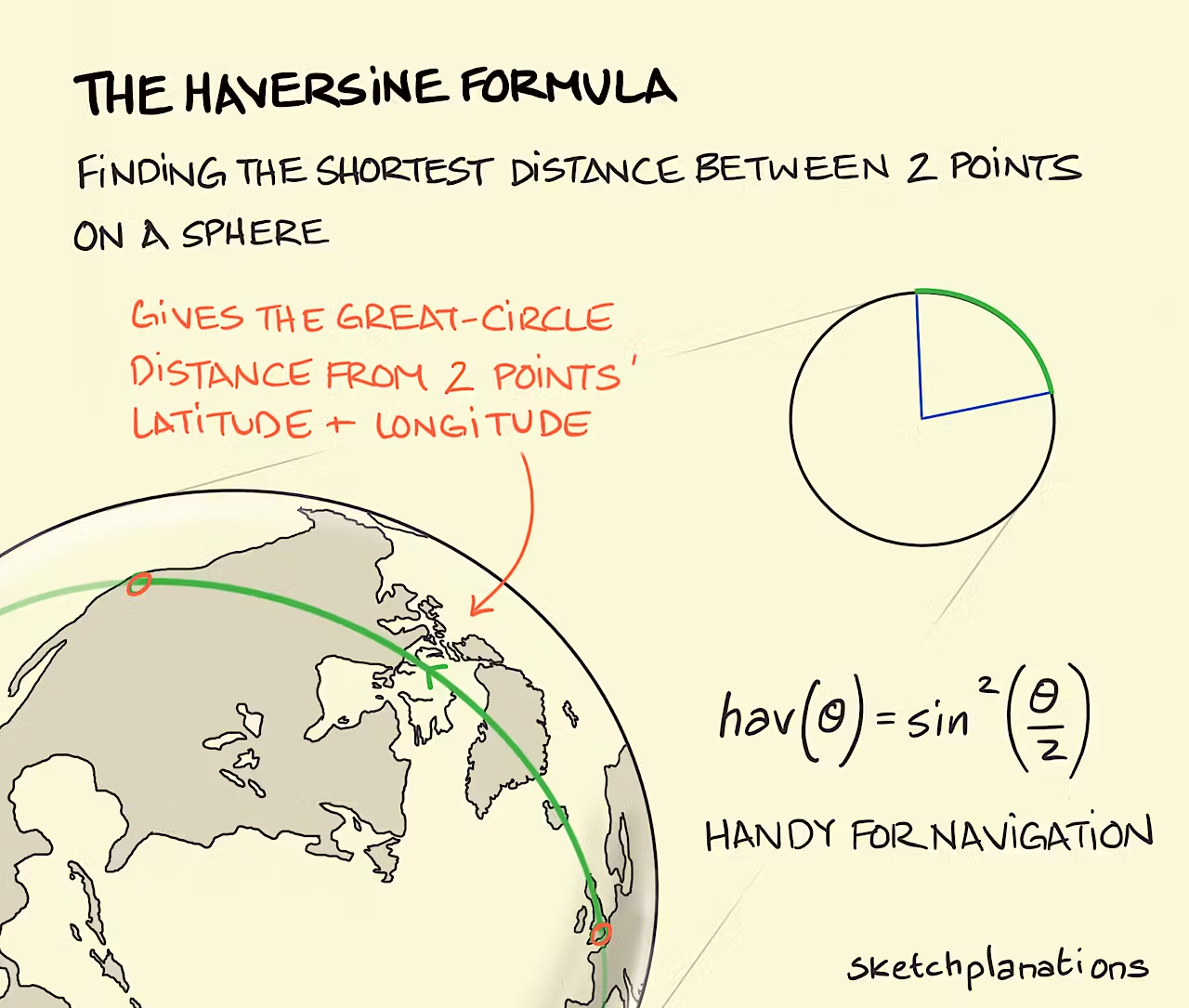
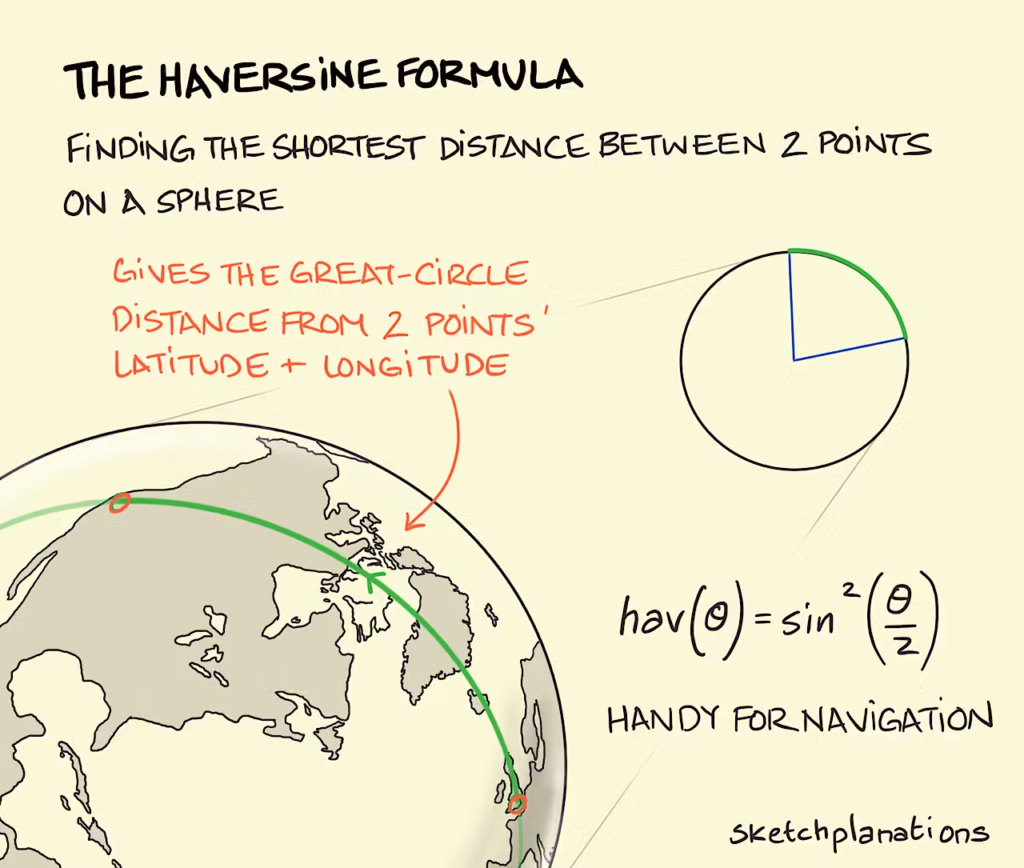
🌍 Step 2: Calculating Distance Using Haversine Formula
Once we have the previous coordinates, we calculate the distance between two points on Earth.
SELECT
    *,
    CASE
        WHEN PREV_LAT IS NULL THEN 0
        ELSE 6371 * 2 *
            ASIN(
                SQRT(
                    POWER(SIN(RADIANS(STORE_LATITUDE - PREV_LAT) / 2), 2) +
                    COS(RADIANS(STORE_LATITUDE)) *
                    COS(RADIANS(PREV_LAT)) *
                    POWER(SIN(RADIANS(STORE_LONGITUDE - PREV_LNG) / 2), 2)
                )
            )
    END AS KM_PER_LEG
🧠 Understanding the Logic
📌 Why Haversine?
- Accounts for Earth’s curvature
- More accurate than simple distance formulas
- Ideal for GPS-based analytics
📌 Why 6371?
- Represents Earth’s radius in kilometers
- Use
3959for miles
📌 Why handle NULL?
WHEN PREV_LAT IS NULL THEN 0
- First visit of the day has no previous location
- Prevents calculation errors
📊 Final Output
| Employee | Visit Time | Distance (KM) |
|---|---|---|
| A | 09:00 | 0 |
| A | 10:30 | 4.5 |
| A | 12:00 | 2.8 |
🚀 Bonus Enhancements
✅ Total Distance per Day
SUM(KM_PER_LEG) OVER (PARTITION BY EMPLOYEE_ID, SCHEDULE_DT)
✅ Travel Time Between Visits
DATEDIFF('minute', PREV_TS, START_VISIT_TS)
✅ Efficiency Metrics
- Distance per store visit
- Distance vs sales generated
- Idle time between visits
💼 Real Business Impact
This approach is extremely valuable for:
- Retail merchandising dashboards
- Field force productivity tracking
- Route optimization
- Territory planning
🔥 Final Thoughts
By combining window functions with geospatial calculations, you can transform raw visit logs into actionable insights.
This kind of logic is often the backbone of:
- Tableau dashboards
- Retail analytics platforms
- Field performance scorecards
If you’re building a merchandising dashboard, this metric can become a key KPI for operational excellence.
📊 Smart data → smarter routes → better performance.